When you're at home
On your home network, commands travel from the app to the panel. With the local network and panel configured, local device control does not depend on an internet connection.
INTEGRATED SMART HOME CONTROL
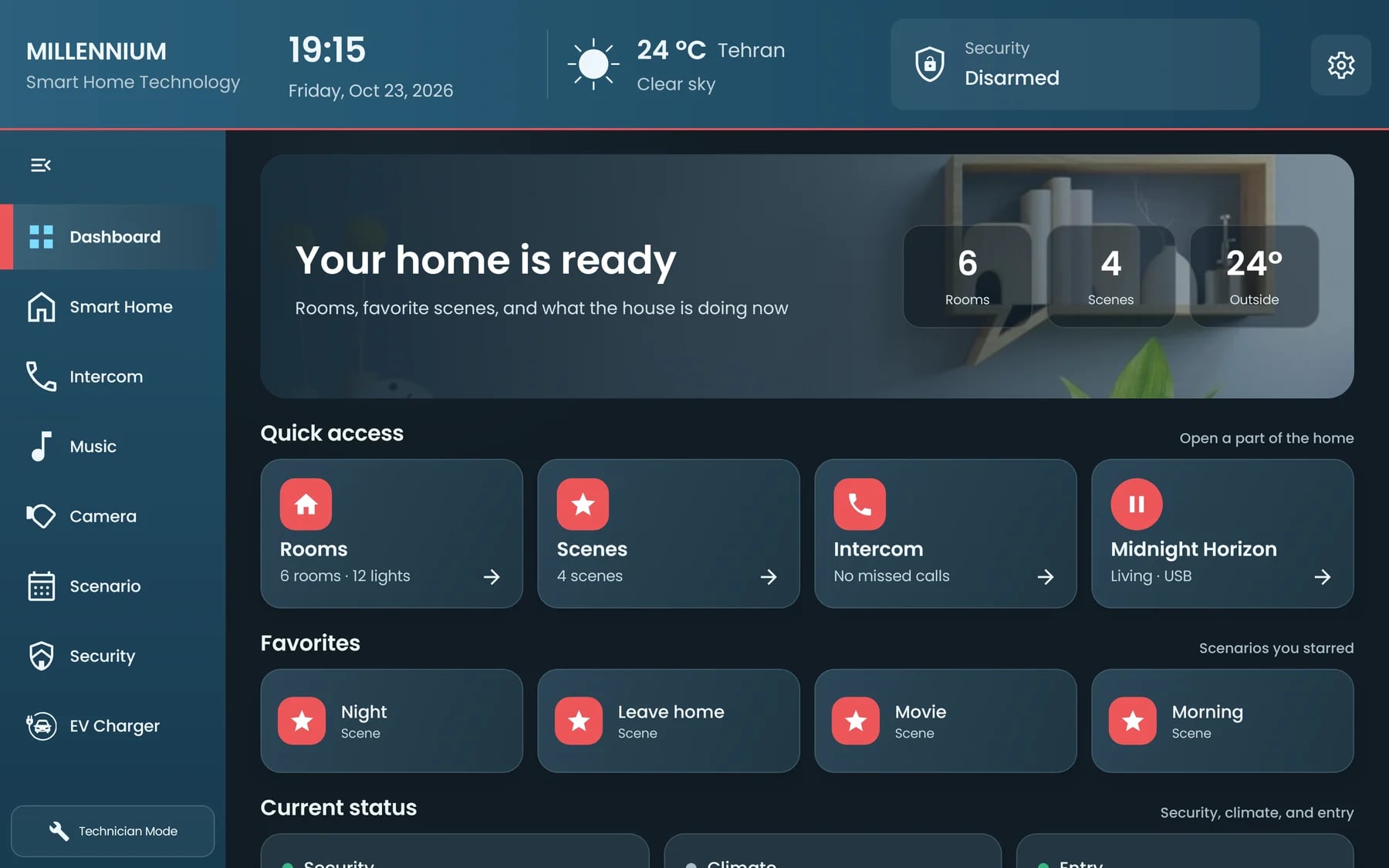
Control lighting, curtains, and temperature from the panel or app. Create your own scenes for everyday moments.
LIGHTING · SHADING · COMFORT · CONTROL
01SOLUTIONS FOR HOME
From morning light to a quieter evening, bring your home's controls together. Each solution is shaped around compatible equipment in your home.
CONNECTIONS FOR COMPATIBLE EQUIPMENT
Switch lights on and off, adjust brightness, and select color or white temperature for compatible lighting.
Open, close, or stop compatible motorized curtains. Position controls depend on the motor and controller.
Control supported heating and cooling equipment, floor heating, and water coolers alongside the rest of your home.
Combine controls into your own scenes and configure routines around the capabilities of your system.
Manage configured security modes and compatible sensor states. These functions do not include a staffed monitoring or emergency-response service.
View compatible camera video and use configured SIP intercom calls. Video and calls have their own setup and connection requirements.
Control playback and volume for supported music devices and zones through your home interface.
Available controls and functions depend on the equipment and configuration of your project.
02THE MILLENNIA SYSTEM
A panel on the wall, an app in your hand, and connected access. Each has its own place in the experience of your home.
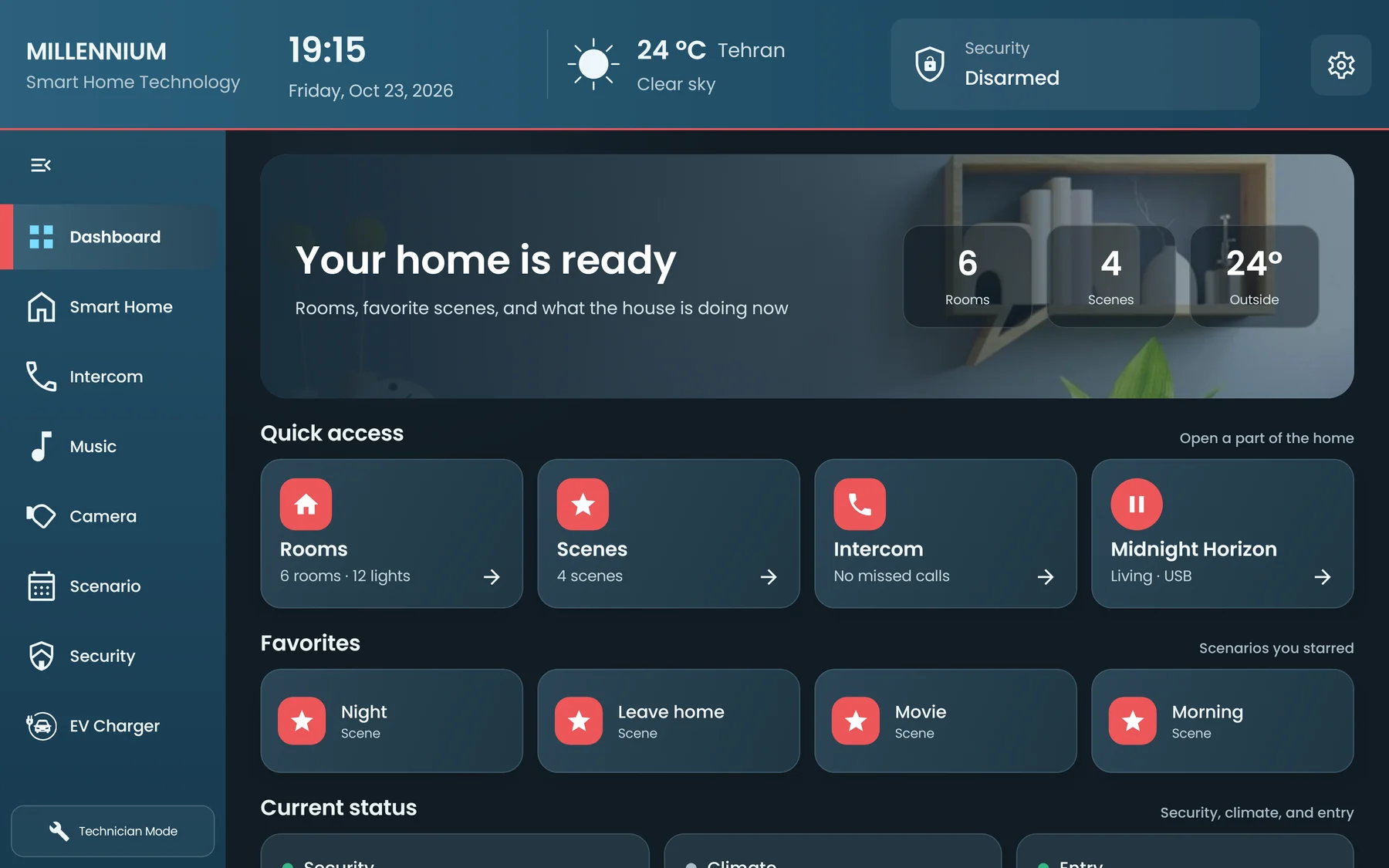
Local equipment control and scene execution through your home's central panel.
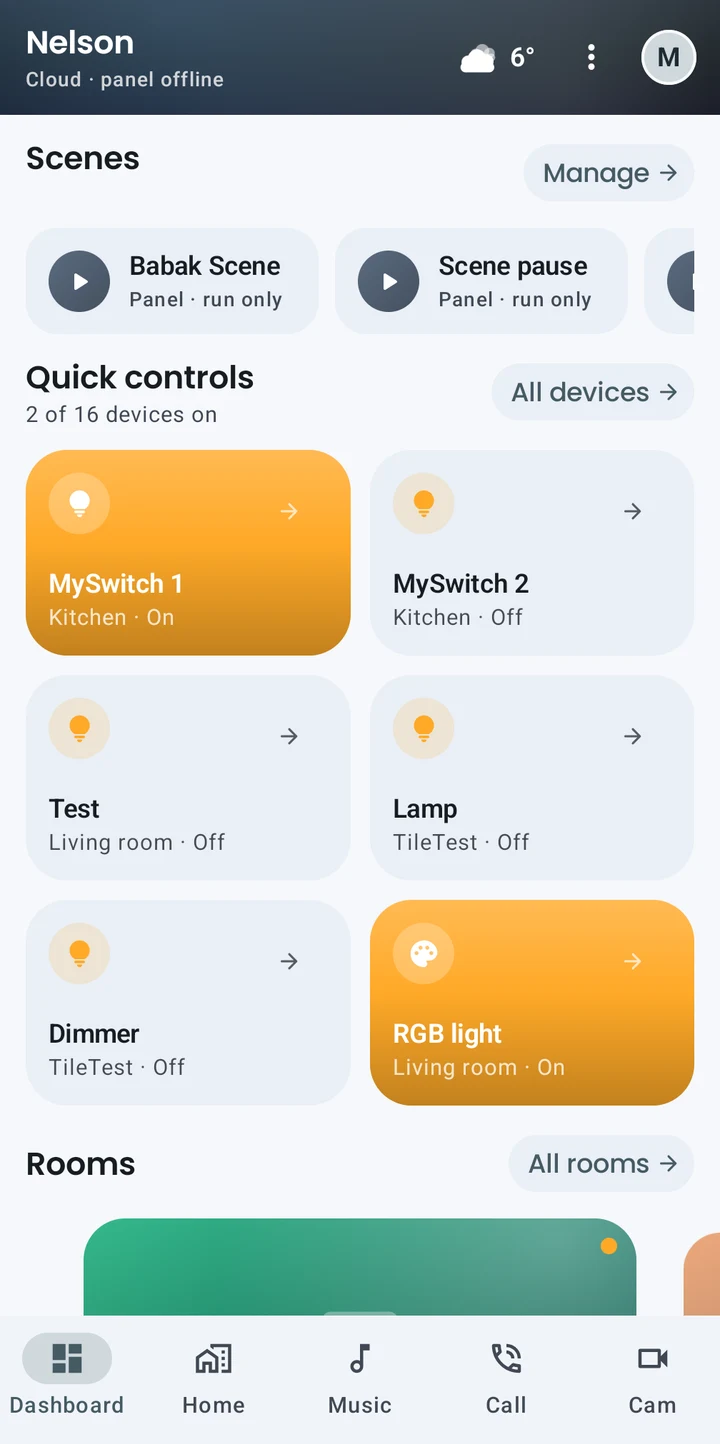
Everyday controls, rooms, and favorites, with you.
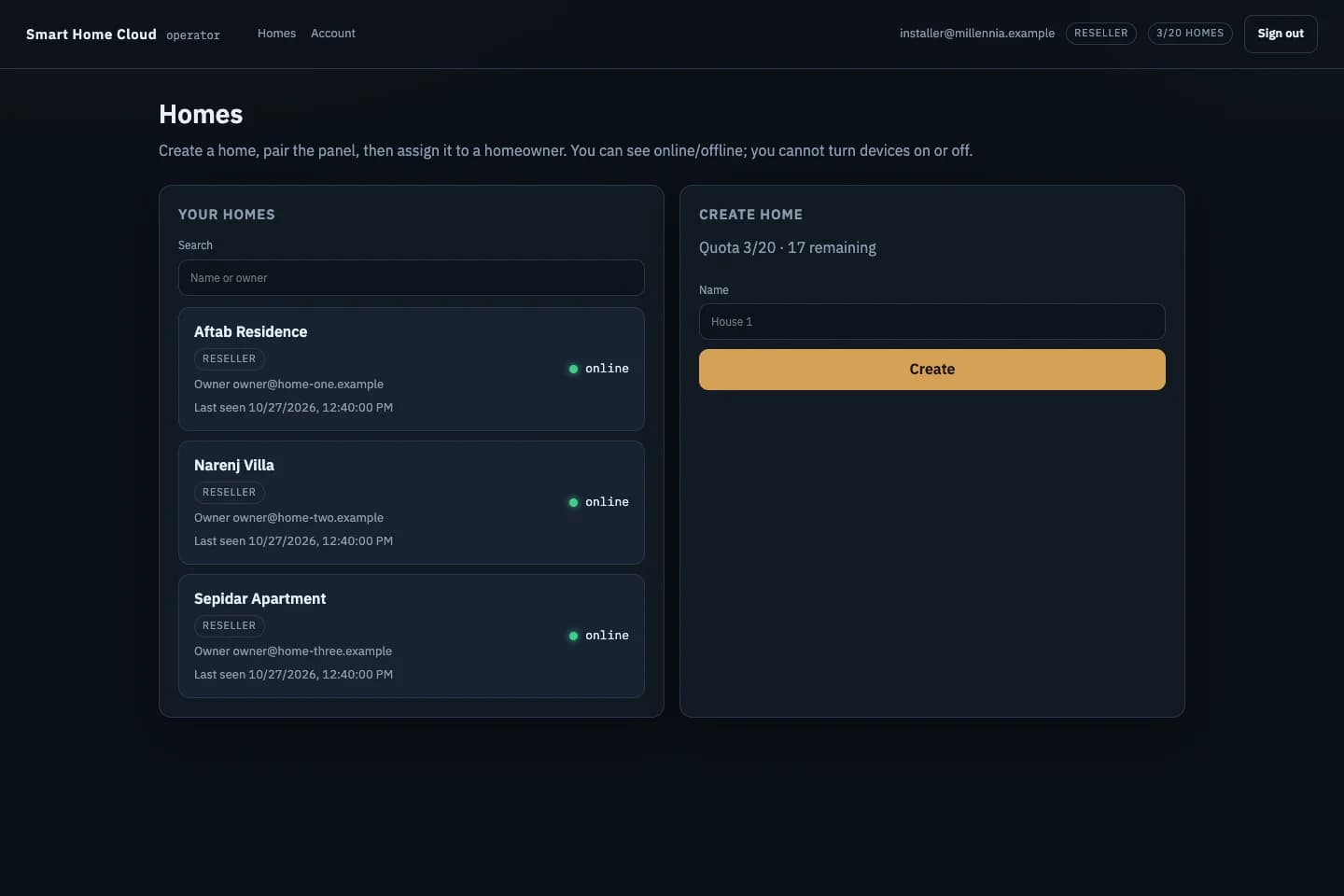
A route for remote device commands, shared configuration, and household access.
03AT HOME & AWAY
These routes describe device commands. Camera viewing and intercom calls have separate connection requirements.
04FOR YOUR HOME OR PROJECT
For your own home or a project you're working on, start with the equipment, the controls you need, and how people will use them every day.
LET'S START A CONVERSATION
Tell us about the space, your project stage, and the controls you have in mind.
info@millenniumsmarthome.comWrite to usFor your home, or a home you're designing.